How to Redesign Your Website Without Losing SEO Rankings
Redesigns kill SEO rankings when done carelessly. Here's the step-by-step process to modernize your site without losing the organic traffic you spent years building.
Introduction
Here's what nobody tells you before a redesign: Google doesn't care that your new site looks better. It cares about what changed — and whether those changes broke anything it was already tracking.
That's why sites lose rankings after redesigns. Not because redesigning is risky by nature, but because specific things get broken in the process — URLs move without redirects, title tags get rewritten, pages get deleted, staging blocks don't get removed.
The good news? Every single one of these problems is preventable. You just need to do the right things before, during, and after the launch.
This guide walks you through exactly that.
Why Rankings Drop After a Redesign
Before we get into the fix, it helps to understand what actually causes the drop. There are five things that kill SEO rankings during a redesign:
1. URLs change without redirects
This is the biggest one. If your page was at /services/web-design and the new site moves it to /what-we-do/web, Google sees the new URL as a completely new page. All the ranking authority built up on the old URL? Gone.
2. Pages get deleted
It's tempting to clean things up during a redesign — remove old pages, consolidate sections. But if those pages had backlinks or traffic, deleting them without redirecting destroys that value.
3. Title tags and H1s get rewritten
If your page ranked for "affordable accountant for small business" and the redesign changes the H1 to "Our Services", you've removed the exact signal Google was using.
4. The site gets slower
Heavy animations, uncompressed images, and bloated scripts all slow a site down. Page speed is a ranking factor. A slower new site will rank below the faster old one.
5. Staging blocks never get removed
This one is embarrassing but common. Staging sites block Google by default (noindex tags, robots.txt blocks). If you forget to remove those when you go live, Google deindexes your whole site.
Step 1: Do This Before You Touch Anything
The work that protects your SEO happens before any design work starts.
Export your current rankings
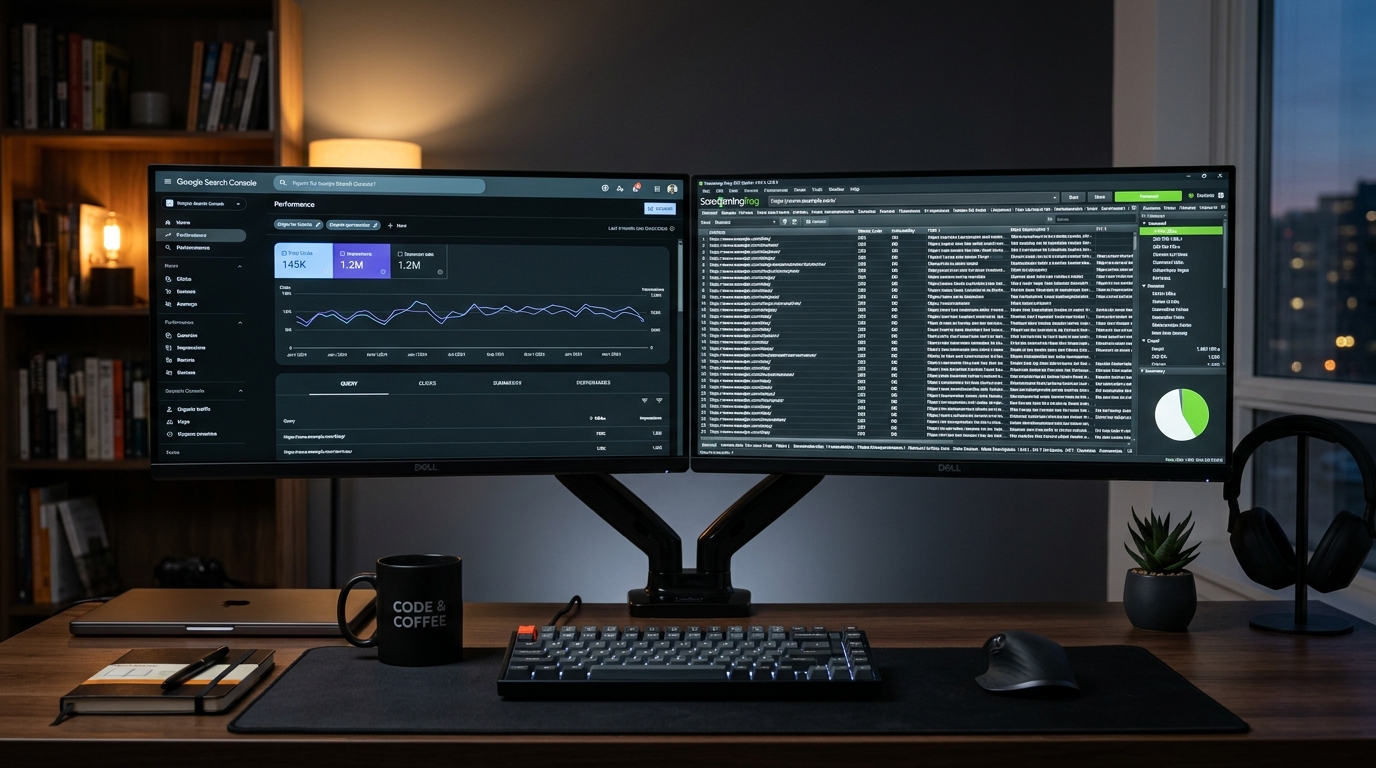
Open Google Search Console → Performance → Pages. Export the full list. This shows you which pages bring organic traffic.
For each of your top pages, note:
- The exact URL
- The primary keyword it ranks for
- Average position and monthly clicks
- Any backlinks (check Ahrefs, Semrush, or the free Search Console "Links" tab)
These pages are protected. Their URL, title tag, H1, and core content should not change unless you have a very specific reason.
Crawl your current site
Use Screaming Frog (free up to 500 URLs) or Sitebulb to pull a complete list of every URL on your site.
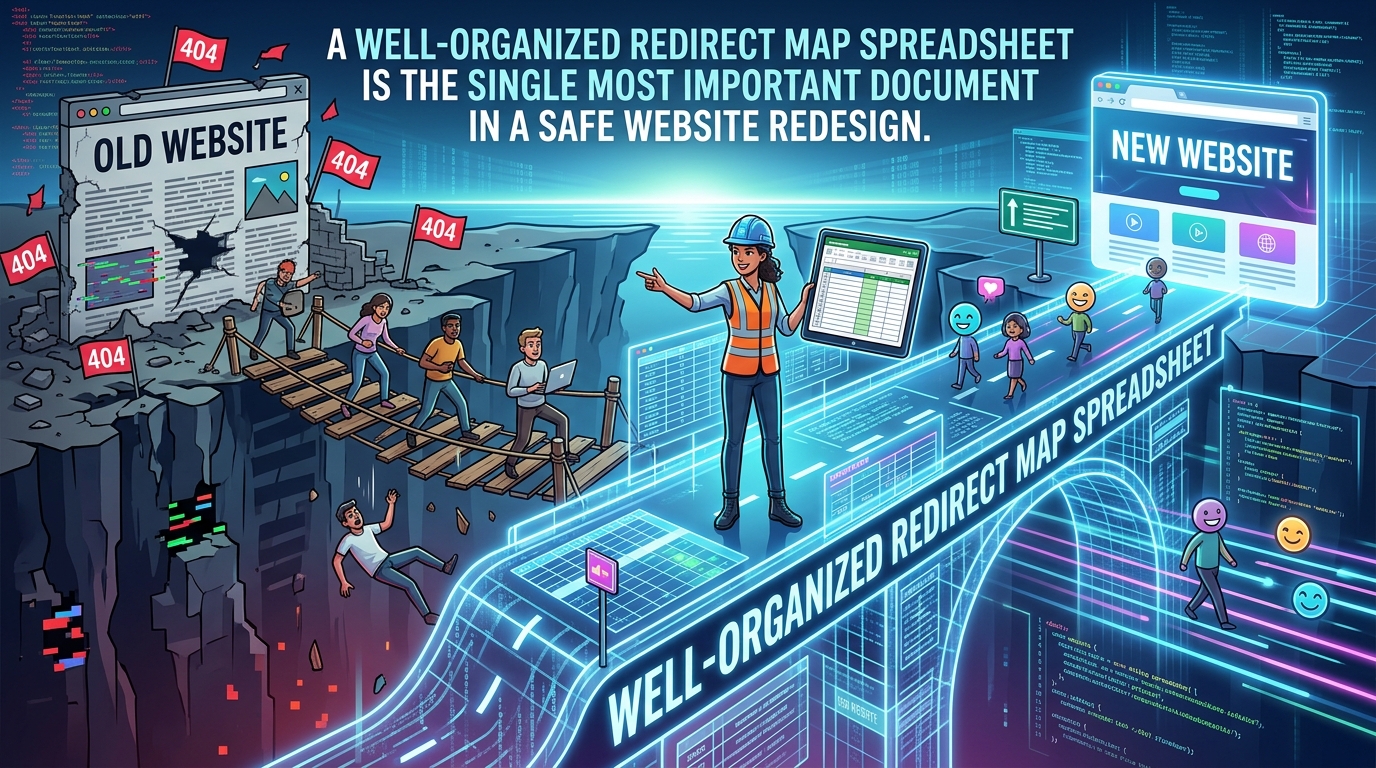
Export it to a spreadsheet. This becomes your redirect map — the document you'll use to make sure every old URL points somewhere sensible on the new site.
Save your current metadata
For every page, record:
- Title tag
- Meta description
- H1 heading
- URL
You'll need to copy these exactly to the new site. Any changes to ranking pages should be intentional, not accidental.

Step 2: During the Redesign
Don't change URLs unless you have to
The safest redesign keeps every URL exactly the same. Same slugs, same folder structure. If your blog post was at /blog/seo-tips, it stays there.
If you do need to change URLs — new CMS, restructured navigation — create a redirect map:
| Old URL | New URL | Needs Redirect? |
|---|---|---|
| /services/web-design | /services/web-design | No |
| /about-us | /about | Yes — 301 redirect |
| /blog/old-post-slug | /articles/old-post-slug | Yes — 301 redirect |
Always use 301 (permanent) redirects, not 302 (temporary). And redirect old pages to the most relevant new page — not just the homepage. Sending everything to / wastes the link equity.
One more thing: don't create redirect chains. If A redirects to B which redirects to C, search engines lose ranking signal at each hop. Redirect A directly to C.
Keep title tags and H1s intact on ranking pages
Copy your existing title tags and H1s to the new site exactly as they are. If you want to improve them — do it after the redesign launches and rankings are stable. Not during the migration.
Preserve the internal link structure
Your new navigation should link to the same important pages your old navigation did. Also check:
- Footer links
- In-content links inside blog posts
- CTA buttons that point to key pages
Removing internal links from your homepage to important deep pages hurts those pages' crawlability and ranking signal.
Don't accidentally delete content from ranking pages
Visual changes are fine. Layout changes are fine. But if a page ranks for a keyword, the actual words on that page need to stay the same — or get longer, not shorter.
Step 3: Launch Day Checklist
Run through this on the day you push live:
- [ ] All 301 redirects are set up and tested (visit old URLs, confirm they land on the right new pages)
- [ ]
robots.txtallows crawling — noDisallow: /left over from staging - [ ] No
<meta name="robots" content="noindex">on production pages - [ ] HTTPS is working on all pages
- [ ] Google Analytics and any tracking pixels are firing
- [ ] Updated XML sitemap submitted to Google Search Console
- [ ] 5–10 of your highest-traffic pages load correctly
The noindex check is the one people miss most. Do it manually — visit your top pages, right-click, view source, search for "noindex". If you find it, stop the launch and remove it first.
Step 4: Monitor for 30 Days After Launch
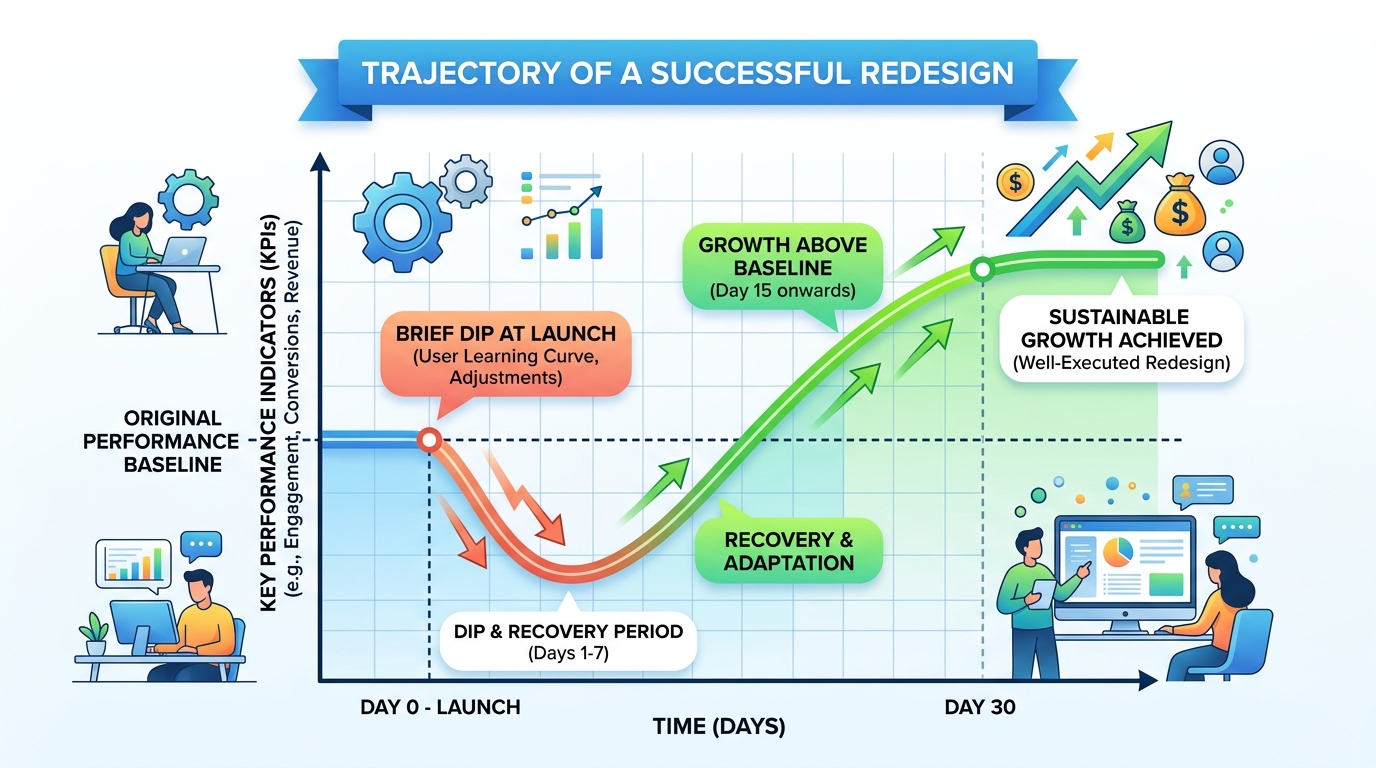
A small traffic dip in the first week is normal. Google needs time to recrawl and re-evaluate. What you're watching for is a dip that doesn't recover.
Week 1
- Check Google Search Console every day for crawl errors
- Look for 404 errors (these mean a redirect is missing)
- Keep an eye on real-time analytics for unexpected traffic drops
Week 2–4
- Compare organic traffic to your pre-launch baseline
- Check keyword rankings for your top 20 pages
- Look at Search Console → Coverage for indexation issues
- Verify redirects are still returning 301 status codes (server config changes can break these)
If rankings drop and don't recover
Don't panic for the first 2–3 weeks. If you're still seeing significant drops after that:
- Check Search Console for crawl or indexation errors
- Verify redirects are 301s, not 302s
- Compare old and new title tags — did something change accidentally?
- Check Core Web Vitals — is the new site slower?
- Search your pages' source code for leftover noindex tags
- Confirm your sitemap was submitted and processed in Search Console
The Shortcut: Redesign Without Changing Anything
The cleanest approach to SEO-safe redesigning is to not change the things that affect SEO at all.
That's the main reason AI redesign tools like Redesignr are popular for this exact use case. The AI updates the visual design — colors, typography, spacing, layout — but leaves your URL structure, content, title tags, and H1s exactly as they are.
No URLs moving = no redirects needed.
No content changing = no keyword signals removed.
No structural changes = no broken internal links.
If your site is functionally fine but visually outdated, this is worth considering before you start a full ground-up rebuild.
Conclusion
SEO-safe redesigns aren't hard. They just require some discipline upfront.
Document what you have. Protect what's ranking. Redirect anything that moves. Check your noindex tags before launch. Monitor Search Console for the first 30 days.
The businesses that lose rankings after a redesign are almost always the ones that skipped one of those steps — not the ones that redesigned at all.
Your site can look completely different and still keep every ranking you've built. You just have to do it in the right order.
Redesign websites with Redesignr.io
Paste any URL and get a modern, deploy-ready TailwindCSS redesign in 2 minutes. Free to preview.
